7 Powerful Steps to Fix a Leaked GitHub Token (and Stop It Happening Again)
A leaked GitHub token is rarely “just a repo problem.” In modern engineering orgs, that single secret can quietly unlock private source, CI/CD workflows, package registries, infrastructure deployments, and sometimes cloud environments. If the token is long-lived (classic PATs are the usual culprit), the attacker doesn’t need speed—they just need time.
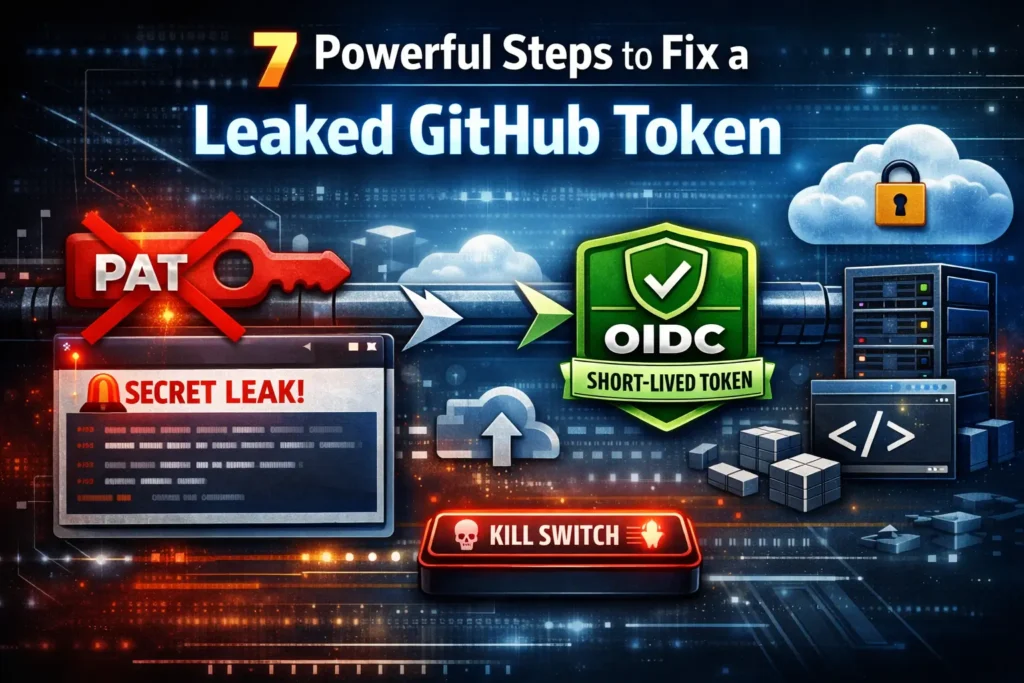
This guide gives engineering leaders and platform teams a shippable blueprint to replace long-lived tokens with OIDC short-lived credentials, add repo guardrails, detect misuse in runtime, and execute an instant kill-switch playbook when a leaked GitHub token shows up.
If you’re looking to move from detection to real prevention, read AI Phishing Prevention: 7 Proven Dev Controls (CI/CD gates, telemetry, and runtime risk scoring): https://www.cybersrely.com/ai-phishing-prevention-dev-controls/
Why a leaked GitHub token is worse than a password
A password typically needs an interactive login and is more likely to trigger friction (MFA prompts, device checks, sign-in alerts). A leaked GitHub token is different:
- Automation-native: it’s designed to be used non-interactively in scripts and pipelines.
- Silent misuse: API calls can look like “normal CI activity” if you aren’t watching baselines.
- Scope + blast radius: a broadly-scoped PAT can touch repos, org resources, packages, workflow secrets, and (via CI) cloud deploy roles.
- Persistence: long-lived PATs don’t “expire by default,” so exposure can remain useful for a long time.
If you want one mindset shift: treat every leaked GitHub token as a potential CI-to-cloud incident, not just a repo cleanup.
Step 1) Inventory first: find where tokens exist (and leak)
Before you migrate, you need to know where long-lived credentials live today.
1A. Scan repos for common token patterns (fast triage)
# Search your org locally after cloning key repos (or via code search internally)
rg -n --hidden --glob '!.git/*' \
  "(ghp_|github_pat_|gho_|ghu_|ghs_|ghr_)" .
1B. Identify tokens in CI variables, logs, and artifacts
# GitHub Actions: download workflow logs (example: keep internal handling)
# Then scan logs/artifacts for accidental echo/leaks
rg -n "(ghp_|github_pat_|AKIA|-----BEGIN)" ./downloaded-logs
1C. Don’t forget container images + IaC state
# Container layers can preserve secrets even after "deleting" files
docker history --no-trunc your-image:tag | rg -n "(token|secret|key)"

# Terraform state files often contain plaintext values if not handled carefully
rg -n --hidden "(token|secret|password|private_key)" .
Output you want from Step 1: a simple table internally (repo/location/owner/token type/rotation plan).
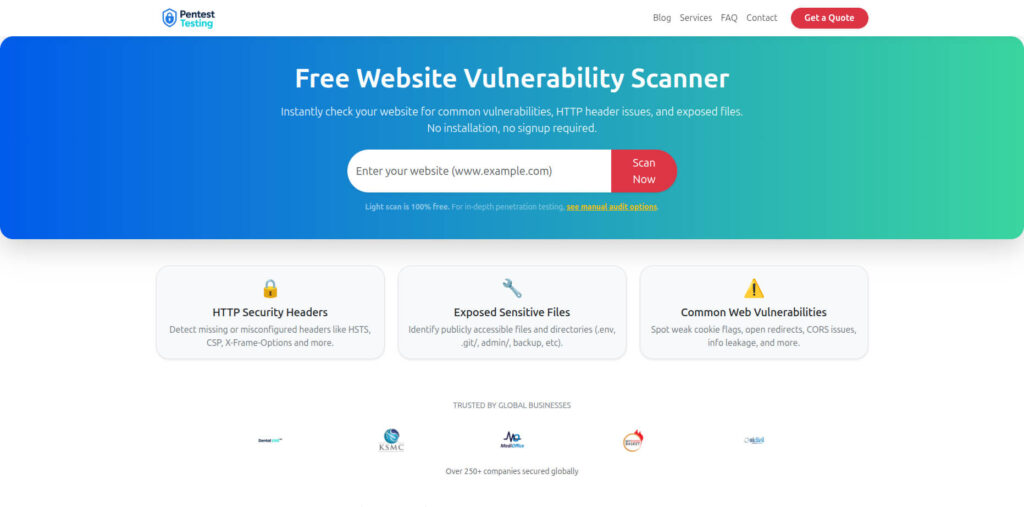
Free Website Vulnerability Scanner tool page
Step 2) Migrate auth: GitHub Actions → Cloud via OIDC (no PATs)
The most reliable way to eliminate the long-lived PAT problem is to stop using PATs for CI→cloud access entirely. Use GitHub Actions OIDC to request short-lived credentials from your cloud provider.
2A. GitHub Actions baseline permissions (tight by default)
# .github/workflows/deploy.yml
name: deploy
on:
  push:
    branches: [ "main" ]

permissions:
  contents: read
  id-token: write     # required for OIDC
  actions: read
  packages: read

jobs:
  deploy:
    runs-on: ubuntu-latest
    steps:
      - uses: actions/checkout@v4
2B. AWS example (OIDC → AssumeRole, short-lived)
AWS IAM trust policy (restrict repo + branch)
{
  "Version": "2012-10-17",
  "Statement": [
    {
      "Effect": "Allow",
      "Principal": { "Federated": "arn:aws:iam::<ACCOUNT_ID>:oidc-provider/token.actions.githubusercontent.com" },
      "Action": "sts:AssumeRoleWithWebIdentity",
      "Condition": {
        "StringEquals": {
          "token.actions.githubusercontent.com:aud": "sts.amazonaws.com",
          "token.actions.githubusercontent.com:sub": "repo:ORG/REPO:ref:refs/heads/main"
        }
      }
    }
  ]
}
GitHub Actions deploy step (OIDC)
- name: Configure AWS (OIDC)
  uses: aws-actions/configure-aws-credentials@v4
  with:
    role-to-assume: arn:aws:iam::<ACCOUNT_ID>:role/gh-actions-deploy
    aws-region: us-east-1

- name: Deploy
  run: |
    aws sts get-caller-identity
    ./deploy.sh
Key principle: the role should be least privilege (deploy only what this repo needs, nothing else).
2C. GCP example (Workload Identity Federation)
- name: Auth to Google Cloud (OIDC)
  uses: google-github-actions/auth@v2
  with:
    workload_identity_provider: "projects/PROJECT_NUMBER/locations/global/workloadIdentityPools/POOL/providers/PROVIDER"
    service_account: "gh-deploy@PROJECT_ID.iam.gserviceaccount.com"

- name: Deploy
  run: |
    gcloud auth list
    ./deploy.sh
2D. Azure example (Federated credentials)
- name: Azure Login (OIDC)
  uses: azure/login@v2
  with:
    client-id: ${{ secrets.AZURE_CLIENT_ID }}
    tenant-id: ${{ secrets.AZURE_TENANT_ID }}
    subscription-id: ${{ secrets.AZURE_SUBSCRIPTION_ID }}

- name: Deploy
  run: |
    az account show
    ./deploy.sh
Result: even if someone triggers a workflow run, credentials are short-lived and tied to your exact repo/ref rules—dramatically reducing leaked GitHub token blast radius.
Step 3) Repo guardrails: secret scanning + push protection + pre-commit
A leaked GitHub token should be hard to commit in the first place.
3A. Pre-commit hooks (local prevention)
Example using pre-commit with multiple detectors:
# .pre-commit-config.yaml
repos:
  - repo: https://github.com/Yelp/detect-secrets
    rev: v1.5.0
    hooks:
      - id: detect-secrets
        args: ["--baseline", ".secrets.baseline"]

  - repo: https://github.com/gitleaks/gitleaks
    rev: v8.21.2
    hooks:
      - id: gitleaks
Baseline creation:
detect-secrets scan > .secrets.baseline
pre-commit install
3B. CI gate (server-side enforcement)
# .github/workflows/secrets-gate.yml
name: secrets-gate
on: [pull_request]

permissions:
  contents: read

jobs:
  gitleaks:
    runs-on: ubuntu-latest
    steps:
      - uses: actions/checkout@v4
        with:
          fetch-depth: 0
      - name: Run gitleaks
        uses: gitleaks/gitleaks-action@v2
        env:
          GITLEAKS_ENABLE_UPLOAD_ARTIFACT: "false"
3C. “No secrets in examples” policy (make it real)
Add an examples policy file and enforce it in CI:
# Fail PR if examples/ contains suspicious tokens
rg -n "(ghp_|github_pat_|AKIA|BEGIN PRIVATE KEY)" examples/ && exit 1 || exit 0
Step 4) Replace long-lived PATs with safer patterns (GitHub-native)
You’ll still need GitHub-to-GitHub automation in some places. The goal is GitHub PAT replacement wherever possible.
4A. Prefer GitHub Apps (scoped, install-based)
Use GitHub Apps for automation that needs repo access. Apps provide:
- tighter scoping
- revocation by uninstalling
- improved auditability
4B. If you must use tokens, avoid classic PATs
If a token must exist, keep it:
- fine-grained
- repo-scoped
- time-bounded
- stored only in a secret manager (not pasted across repos)
Reality check: if you’re still passing a classic PAT into workflows, you are one paste away from another leaked GitHub token incident.
Step 5) Runtime detection: alert on abnormal token use and repo activity
Prevention isn’t perfect—detect quickly.
5A. Watch GitHub audit signals (org-level)
Example: pull audit logs (org admin token required internally) and look for suspicious bursts:
# Example pattern: query audit log and grep for risky events
gh api -H "Accept: application/vnd.github+json" \
  "/orgs/ORG/audit-log?include=all&per_page=100" > audit.json

rg -n "(repo.create|repo.destroy|org.add_member|oauth_access|token)" audit.json
5B. Detect unusual write activity (baseline first)
# Simple daily snapshot: top pushers, top repos changed
gh api "/orgs/ORG/events?per_page=100" > events.json
rg -n "(PushEvent|CreateEvent|DeleteEvent)" events.json
5C. CI credential spikes (cloud-side)
If you moved to OIDC, detection gets easier: alert on unexpected role assumptions.
Example CloudTrail insights (AWS):
-- CloudWatch Logs Insights (CloudTrail)
fields @timestamp, eventName, userIdentity.sessionContext.sessionIssuer.userName, sourceIPAddress
| filter eventName="AssumeRoleWithWebIdentity"
| stats count() as c by userIdentity.sessionContext.sessionIssuer.userName, sourceIPAddress
| sort c desc
Step 6) Kill-switch playbook: revoke, rotate, assess, review
When a leaked GitHub token is discovered, speed matters. Your kill-switch should be rehearsed.
6A. Immediate actions (first 15 minutes)
- Revoke the leaked token (or disable the account if compromise is suspected).
- Invalidate downstream access: rotate any cloud creds, package publish tokens, deploy keys that token could reach.
- Freeze sensitive workflows temporarily if needed (especially deploy).
Example: remove a compromised Actions secret quickly:
# Remove the secret from the repo so it can't be used again
gh secret delete DEPLOY_TOKEN -R ORG/REPO
6B. Blast-radius assessment (what did it touch?)
- Which repos did it have access to?
- Which workflows referenced it?
- Did it have access to environments (deploy approvals bypassed)?
- Which cloud roles/secrets could CI assume?
6C. Retroactive log review (last known good → now)
Export:
- GitHub audit log window
- workflow runs touching deploy paths
- cloud role assumption logs (OIDC role)
Step 7) Evidence for auditors: prove controls are enforced
If you’re an engineering leader, the win is not “we wrote a policy.” The win is “controls ship and produce evidence.”
7A. Policy-as-code checks (example)
A lightweight “required workflow permissions” gate:
# Fail if any workflow requests overly broad permissions
rg -n "permissions:\n([^#]*\n)*\s*contents:\s*write" .github/workflows && exit 1 || exit 0
7B. Save proof artifacts (repeatable)
Store:
- secret scanning reports
- CI gate logs
- incident drill notes (tabletop)
- kill-switch runbook execution logs
If you want a strong “evidence engine” posture, pair this with structured risk work and closure validation via:
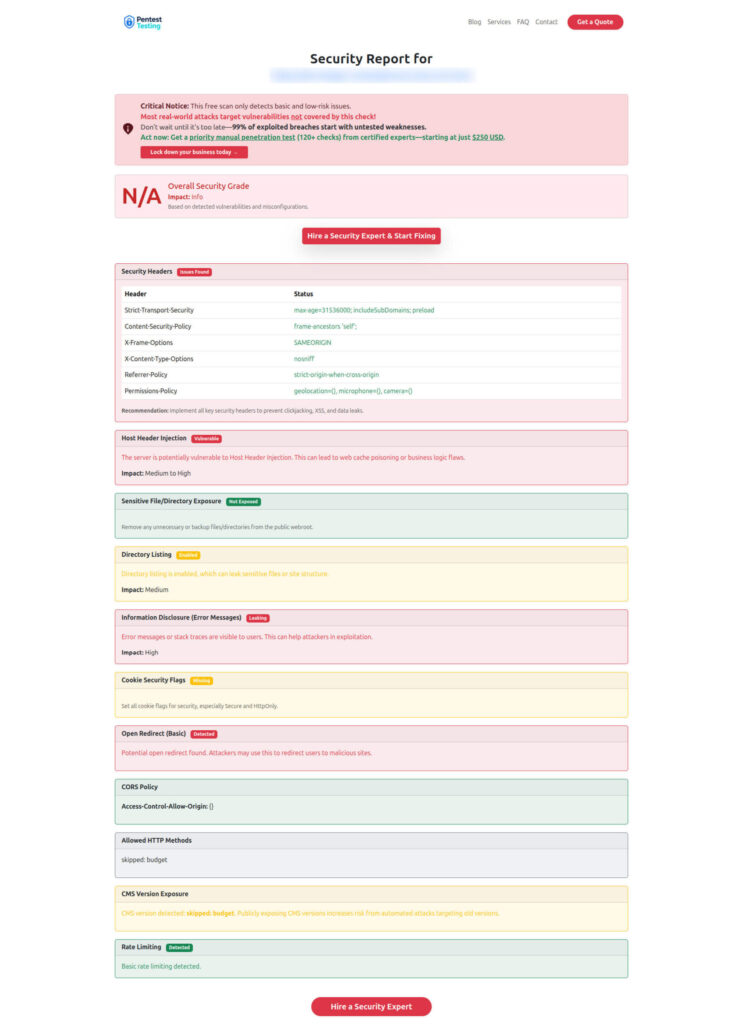
Sample report screenshot to check Website Vulnerability
Implementation checklist (copy/paste for your sprint)
- Identify every long-lived credential path (repos, CI vars, logs, images, IaC state)
- Replace CI→cloud PAT usage with GitHub Actions OIDC
- Enforce least-privilege roles per repo/environment
- Turn on secret scanning + push protection, and add pre-commit hooks
- Add CI “secrets gate” to block leaks in PRs
- Implement runtime alerts for abnormal repo writes + abnormal role assumptions
- Ship a kill-switch playbook and run an incident drill
- Store evidence artifacts automatically (scans, gates, runbooks, closure retests)
Related reading (internal)
If this leaked GitHub token problem connects to broader pipeline security work, these are strong next reads:
On Cyber Rely
- 7 Proven Secrets as Code Patterns Engineers Need
- 7 Proven Software Supply Chain Security Tactics
- 7 Proven Steps: SSDF 1.1 CI/CD Attestation
- 7 Proven Steps: SLSA 1.1 Implementation in CI/CD
On Pentest Testing Corp
- 7 Powerful CISA KEV Remediation Sprint in 30 Days
- 12-Week Fix-First Compliance Risk Assessment Remediation
- 5 Proven Steps for a Risk Register Remediation Plan
🔐 Frequently Asked Questions (FAQs)
Find answers to commonly asked questions about Fixing a Leaked GitHub Token.